From the early days of cathode ray tubes to the crystal-clear displays we enjoy today, computer monitors have come a long way. They’ve become staples in our work and home lives, enabling us to effortlessly view everything from spreadsheets to movies.
In this article we are going to cover some of the best monitors for personal, office or gaming use under 15000.
Before diving into some of the best monitors lets understand some of the key features to look for before buying a monitor.
Features to look for best monitor under 15000
When looking for the best computer monitor under 15000, there are a few features to keep in mind.
- Resolution: Firstly, Resolution is the number of pixels that make up the display. The higher the resolution, the sharper the image will be. High definition resolutions are typically 1920×1080 pixels or higher. Many monitors now offer resolutions of 2560×1440 pixels or even 4k resolutions.If you plan on doing any sort of graphic design work or gaming, it’s important to choose a monitor with a high resolution. For general use, like web browsing, documentation, excel sheet work a standard HD resolution monitor should suffice.
- Size: There are a few different sizes to choose from when looking for the best computer monitor under ₹15,000. The most common options are 23-24 inches, 27 inches, and 32 inches. If you plan on using your monitor for gaming or other graphics-intensive activities, you’ll want to look for a larger option like the 32-inch model. However, if you just need a basic monitor for everyday tasks like browsing the web and checking email, a smaller option will suffice.When choosing a size, keep in mind that monitors are measured diagonally. So, a 23-inch monitor will have a viewable area that’s roughly 19 inches wide by 10.5 inches tall.
- Refresh rate: For best monitor under ₹15000 refresh rate is one of the most important factors to consider. A higher refresh rate means that the image on your screen will be refreshed more frequently, resulting in a smoother and more responsive experience.
Most computer monitors have a refresh rate of 60Hz, but if you need a monitor for gaming we suggest you go for higher refresh rate of up to 144Hz.This will help to reduce any screen tearing or stuttering when gaming or watching videos. - Input lag: Finally, you’ll want to make sure that the monitor has low input lag. This will help to ensure that your commands are executed as quickly as possible, giving you an edge in gaming or other fast-paced activities.
Here are some of the best monitors you can find below 15000
1. Samsung 24-inch(60.4cm) FHD Monitor
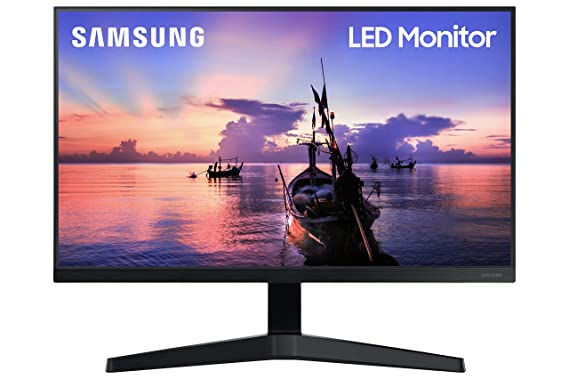
Samsung 24-inch(60.46cm) FHD Monitor, IPS, 75 Hz, Bezel Less Design, AMD FreeSync, Flicker Free, HDMI, D-sub, Dark Blue Gray Colour
Design | Bezel Less Design |
Screen Size | 24 Inches(60.4cm), W: 53.9cm, H: 42.5cm, |
Resolution | 1920 X 1080 Pixels (FHD) |
Refresh Rate | 75Hz |
Feature | Flicker-Free, FreeSync and Game Mode to adjust any game and fill screen |
Colour | Dark Blue Gray |
Rating:
2. BenQ Gw2780 27 Inch (68.58 cm) Led FHD
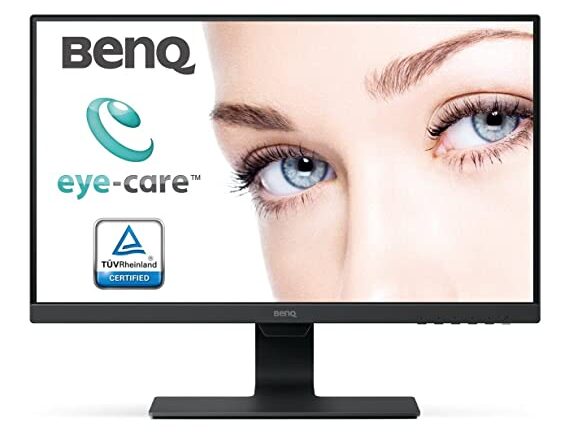 BenQ Gw2780 27 Inch (68.58 cm) Led 1920 x 1080 Pixels Fhd Eye-Care, IPS Monitor, Ultra-Slim Bezel, 60 Hz, Brightness Intelligence, 2Wx2 Speakers, Hdmi, Vga, Display Port, Cable Management (Black)
Design | Ultra Slim Bezel Design |
Screen Size | 27 Inches(68.58cm) |
Resolution | 1920 X 1080 Pixels(FHD) |
Refresh Rate | 60Hz |
Feature | Flicker-Free Technology, Low Blue Light, Eliminating Eye Strain in Any Ambient Light, Picture Perfect Content Optimisation, Cable Management System, 1 HDMI, 1 VGA port, Built-in speakers, VESA wall mountable, 178° Viewing Angle |
Colour | Black.(Carbon fiber design and texture) |
Rating
3. LG 60 cm/24 inches Full HD
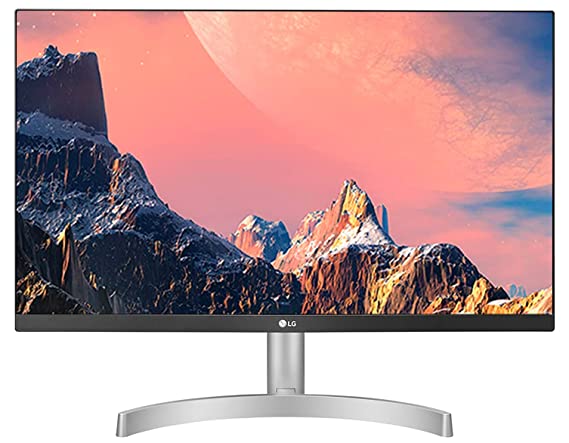
LG 60 cm/24 inches Full HD IPS 1920 x 1080 Pixels LCD Monitor, Inbuilt Speaker, HDMI x 2, VGA Port, 75 Hz Refresh Rate, AMD Freesync, 3 Side Borderless Slim Design – 24ML600S-W (White)
Design | 3 Side Borderless Slim Design |
Screen Size | 24 Inches(60.4cm) |
Resolution | 1920 X 1080 Pixels (FHD) |
Refresh Rate | 75Hz |
Ports | Dual HDMI, D-Sub, Headphone Out, Audio In |
Feature | Flicker-Free, Frameless, Anti-Glare Coating, 5w Dual Channel Speaker with Maxx Audio, 178 Degree Viewing Angle, Wall Mountable, 1ms MBR, Radeon FreeSync, DAS Mode, Black Stabilizer, Screen Split Display |
Colour | Dark Blue Gray |
Rating
4. HP M22f 21.5-inches, 54.6 cm, FHD Monitor
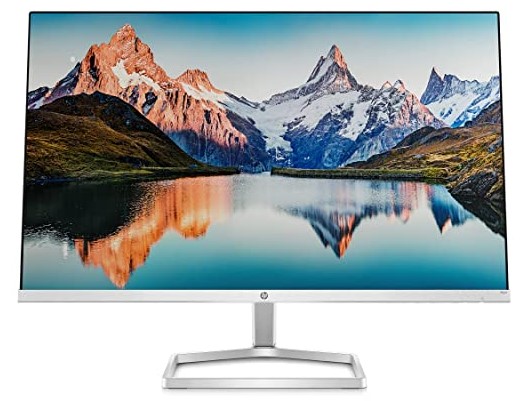
HP M22f 21.5-inches, 54.6 cm, FHD Monitor Eye Safe Certified Full HD IPS 3-Sided Micro-Edge Monitor, 75Hz, AMD Free Sync with 1xVGA, 1xHDMI 1.4 Ports, 300 nits (Silver, 1920 x 1080 Pixels)
Design | 3-Sided Micro-Edge Monitor |
Screen Size | 21.5 Inches(54.6cm) |
Resolution | 1920 X 1080 Pixels (FHD) |
Refresh Rate | 75Hz |
Ports | 1 VGA, 1 HDMI 1.4 (with HDCP support) |
Feature | Anti Glare Display, HP Eye Ease with Eyesafe Certification: An always-on blue light filter, 1 VGA; 1 HDMI 1.4 (with HDCP support), 178° Viewing Angle, 5ms Response Time, 1000:1 Contrast Ratio, Integrated cable management, No in-built Speaker, Not VESA mount compatible |
Colour | Dark Blue Gray |
Rating
5.Acer 31.5 Inch (80.01 cm) IPS Full HD Backlit LED LCD Monitor
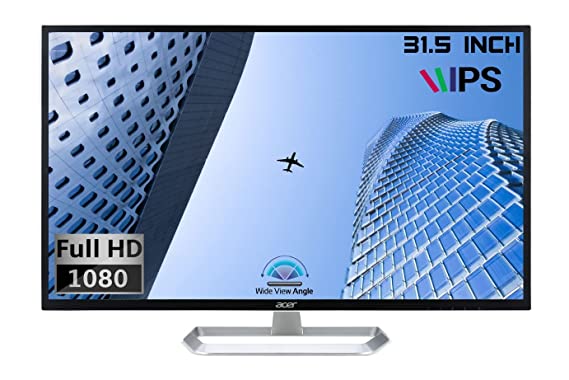
Acer EB321HQ 31.5 Inch (80.01 cm) IPS Full HD (1920 x 1080) Backlit LED LCD Monitor I 300 Nits Brightness I HDMI, VGA Ports I Eye Care Features, Blue Light Filter, Flickerless (Black)
Design | Ergonomic stand tilts from -5 to 15 degrees |
Screen Size | 31.5 Inches(80.01cm) |
Resolution | 1920 X 1080 Pixels (FHD) |
Refresh Rate | 60Hz |
Ports | HDMI, VGA Ports with inbox VGA Cable |
Feature | LCD Monitor with LED Backlight, 300 Nits Brightness, 1200:1 Contrast Ratio, 178 Degree View Angle, 4ms Fast Response Time, Blue Light Filter, Flickerless, VESA Wall Mount Support, No built-in speakers |
Colour | Black |
Rating
6.Dell 24″ (60.96 cm) FHD Monitor

Dell 24″ (60.96 cm) FHD Monitor 1920 x 1080@75 Hz|IPS Panel|Aspect Ratio 16:9|Brightness: 250 cd/m²|Colour Gamut: 99% sRGB|Response Time: 8ms (G-to-G Normal),5ms (G-to-G Fast), 4ms|S2421HN-Grey
Design | Low Bezel |
Screen Size | 24 Inches(60.96cm) |
Resolution | 1920 X 1080 Pixels (FHD) |
Refresh Rate | 75Hz |
Ports | Security-Lock Slot |
Feature | AMD FreeSync, Brightness: 250 cd/m² Colour Gamut: 99% sRGB Response Time: 8ms (G-to-G Normal),5ms (G-to-G Fast), 4ms|S2421HN LED edgelight system, Flicker Free technology, Mercury-free, arsenic-free glass, Dell Easy Arrange, Low Blue Light technology, Dell ComfortView Plus, Tilt Adjustable screen |
Colour | Grey |
Rating
7.ViewSonic VA2432-MH 23.8 inches IPS Panel
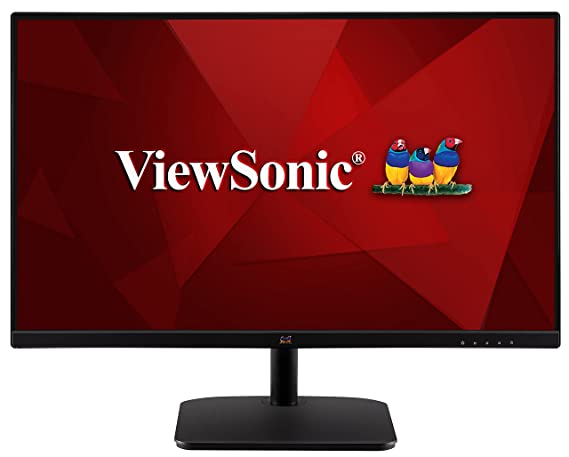
ViewSonic VA2432-MH 23.8 inches IPS Panel, 1920 x 1080 Full HD Pixels Display, Super Clear IPS Technology, 75 Hz Refresh Rate, 3 Side Borderless Design, Dual Integrated Speakers, HDMI | VGA Enabled
Design | Frameless Design |
Screen Size | 23.8 Inches(60.96cm) |
Resolution | 1920 X 1080 Pixels (FHD) |
Refresh Rate | 75Hz |
Ports | HDMI and VGA inputs |
Feature | Super Clear IPS Technology 3 Side Borderless Design, Dual Integrated Speakers 75*75 VESA support |
Colour | Black |
Rating
Conclusion
We hope that our list of the best computer monitors under 15000 has helped you find the perfect one for your needs. With so many great options to choose from, it shouldn’t be difficult to find a monitor that meets your budget and offers the features you need.